Drippin’ Jack
About the game
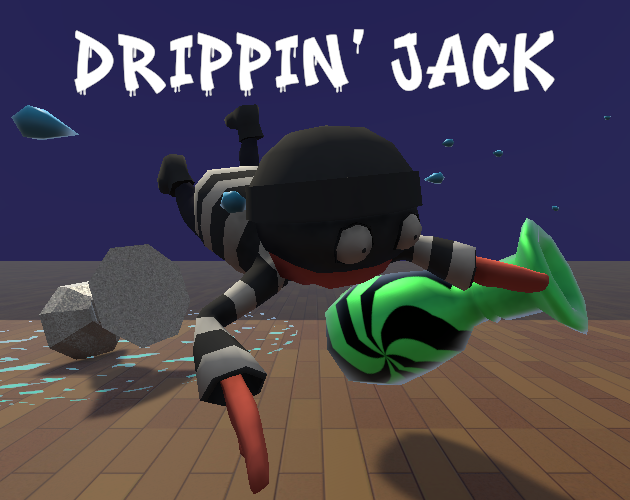
Drippin’ Jack was my team’s submission for the 2026 Bigmode Game Jam. For ten days, I led a team of four to create this game based on the theme “Slick”.
Drippin’ Jack is a chaotic third-person heist game where speed and control are constantly at odds. You play as Jack, a nervous thief attempting to steal as many fragile vases as possible before the museum’s security system comes back online.
There’s just one problem…Jack can’t stop sweating.
His slippery hands make it harder to hold onto stolen loot, while sweat pooling beneath his feet turns every step into a hazard.
Move too fast, and he might wipe out. Crash into walls or obstacles, and Jack ragdolls, sending both him and any vases flying.
Navigate tight areas, avoid disaster, and push your luck: how much can you steal before everything falls apart?
- Release: February 8th 2026
- Skill Focus: Team Lead, Gameplay Systems Programming.
- Made in: Unity
- Development Time: 10 Days
Ragdoll To Animation Blending
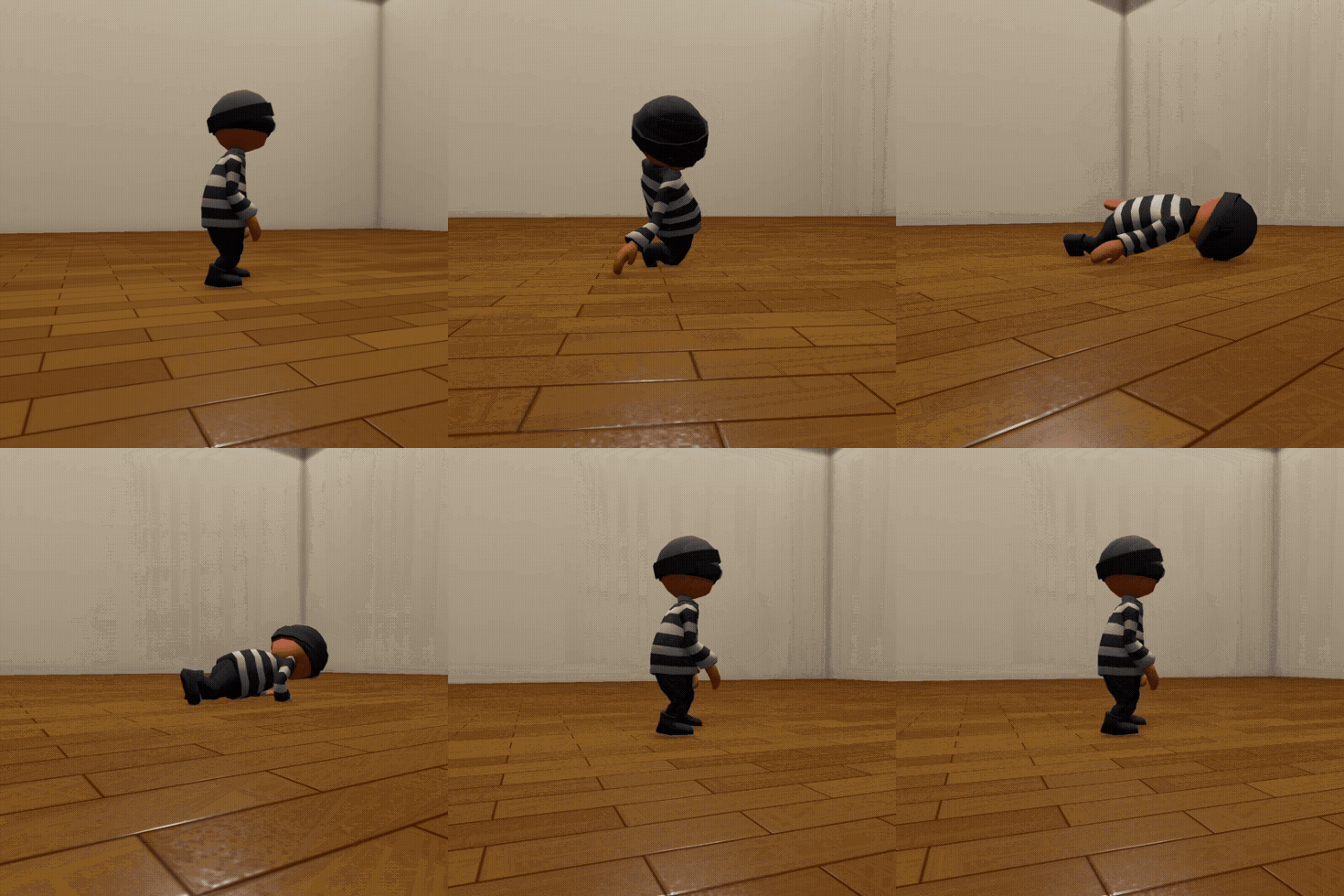
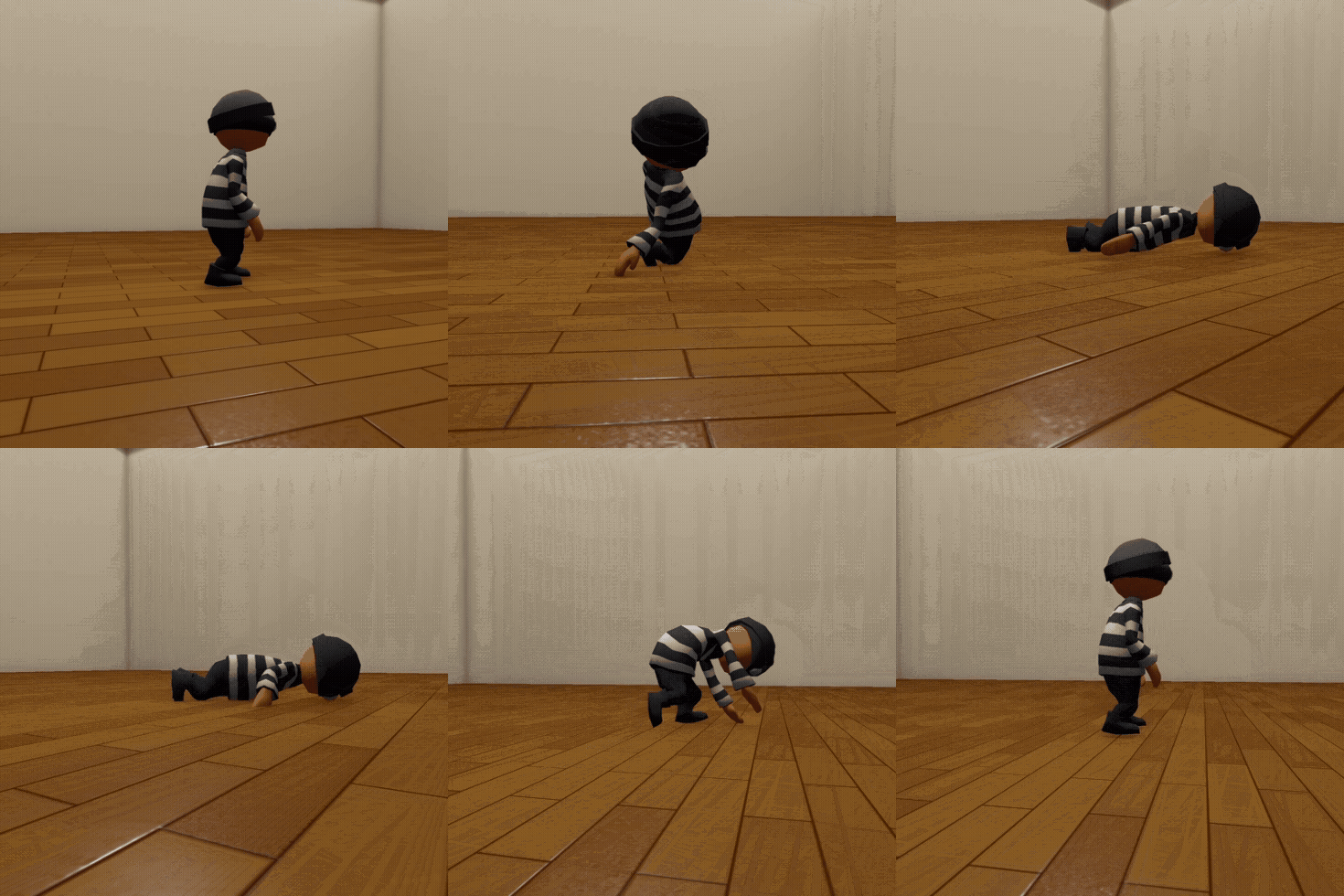
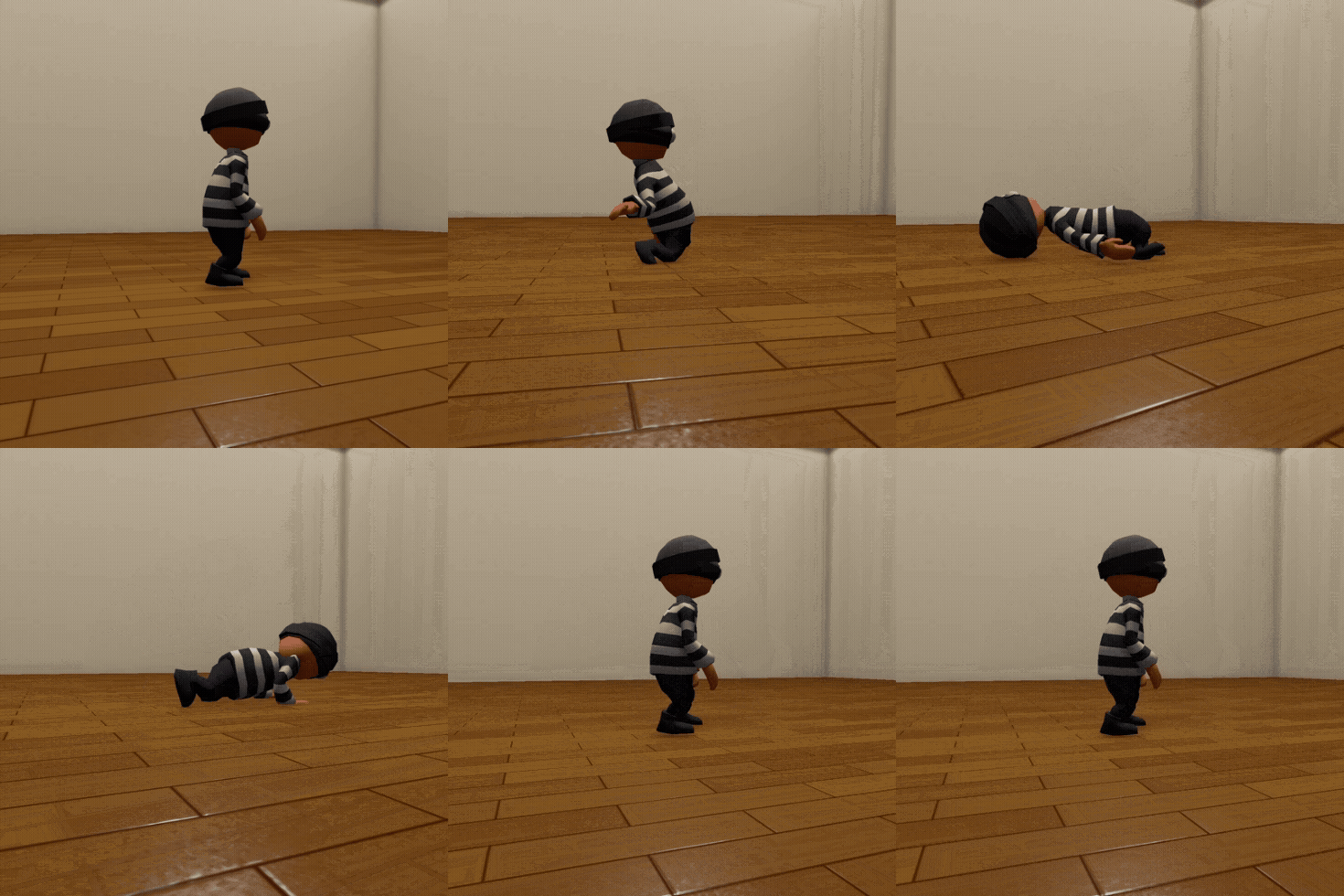
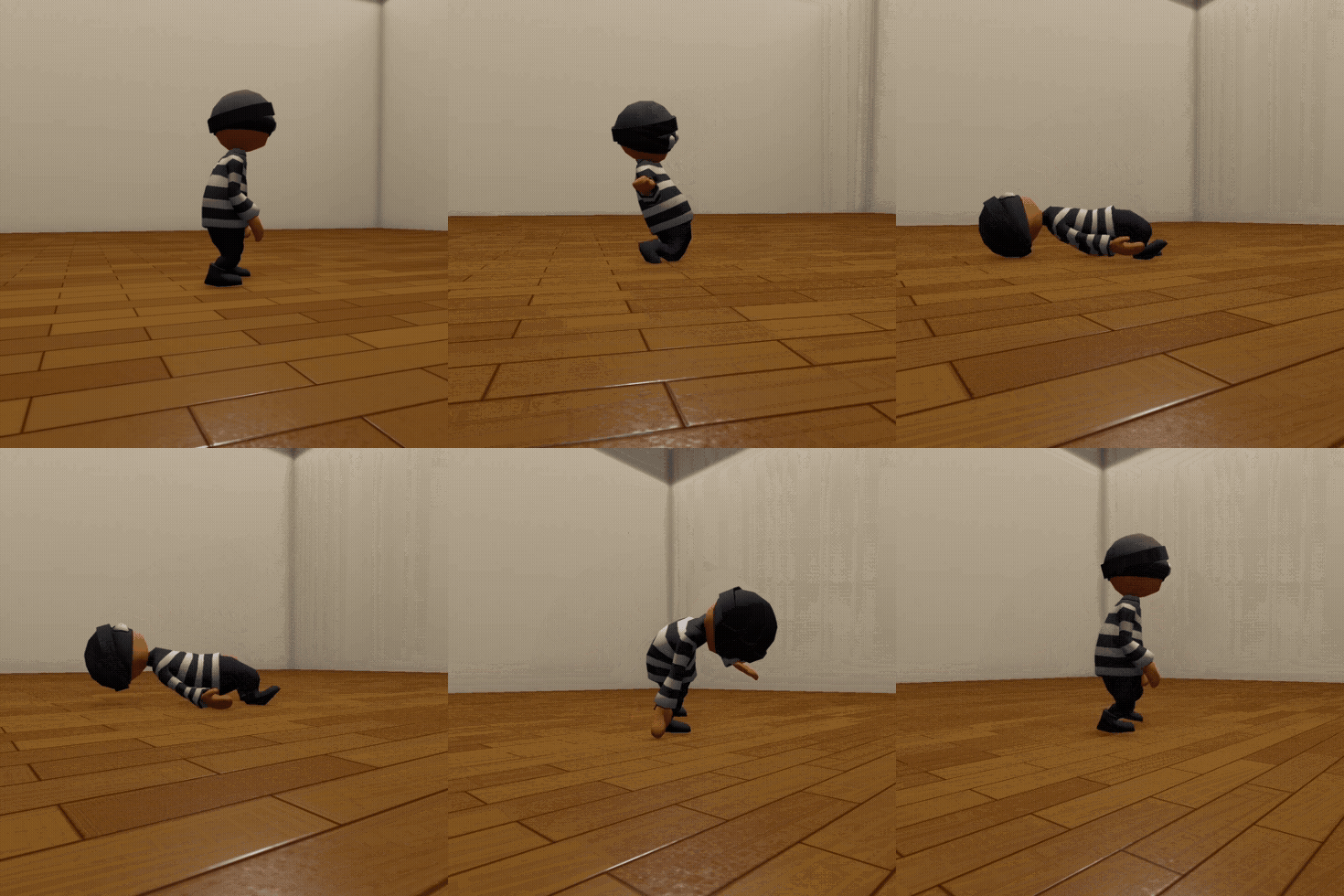
One of the biggest hurdles I faced during this project was making the transition from a full physics ragdoll back to a controlled animation feel natural. Usually, if you just toggle the Animator back on, the character teleports into the first frame of the stand-up animation, which looks… not so good.
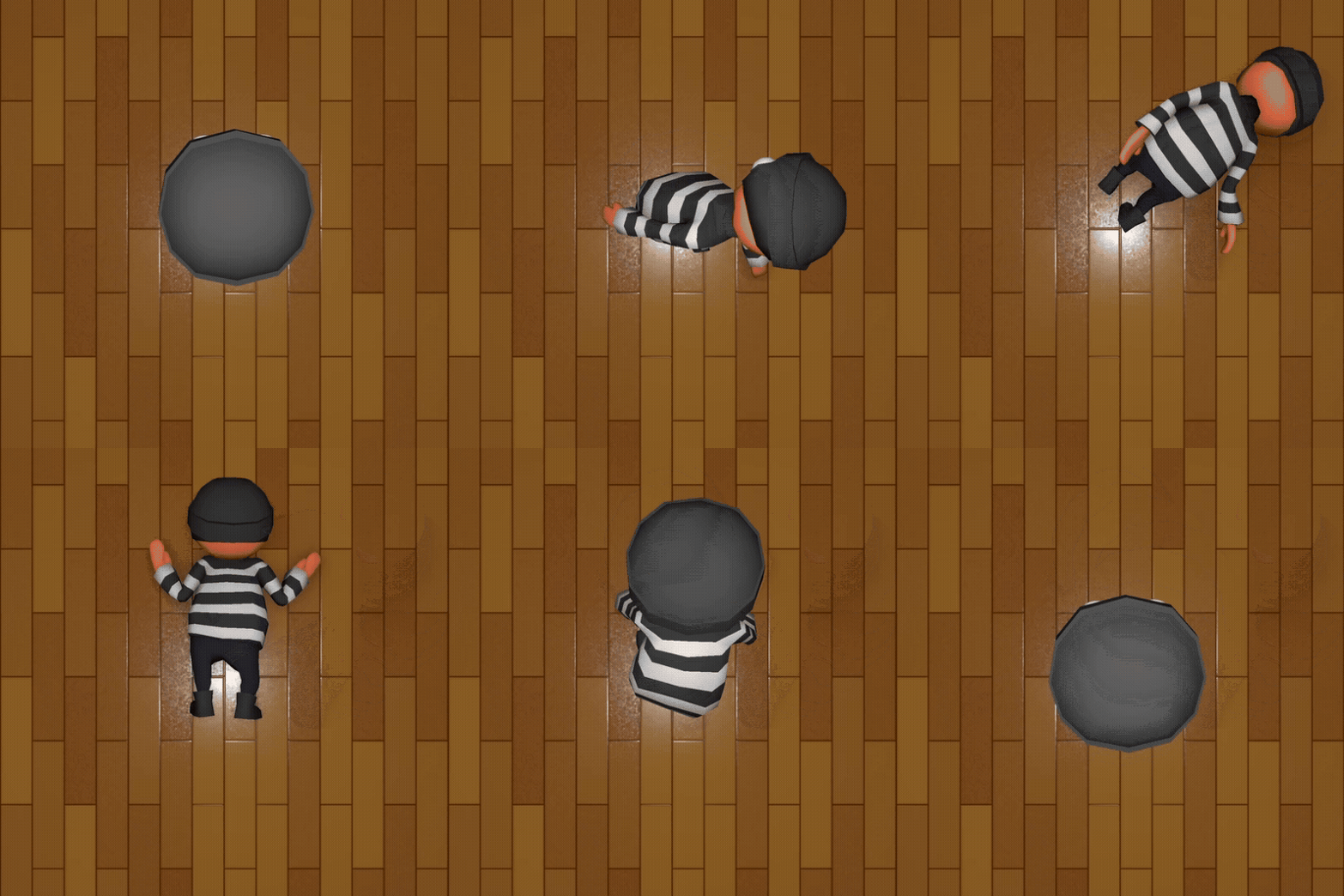
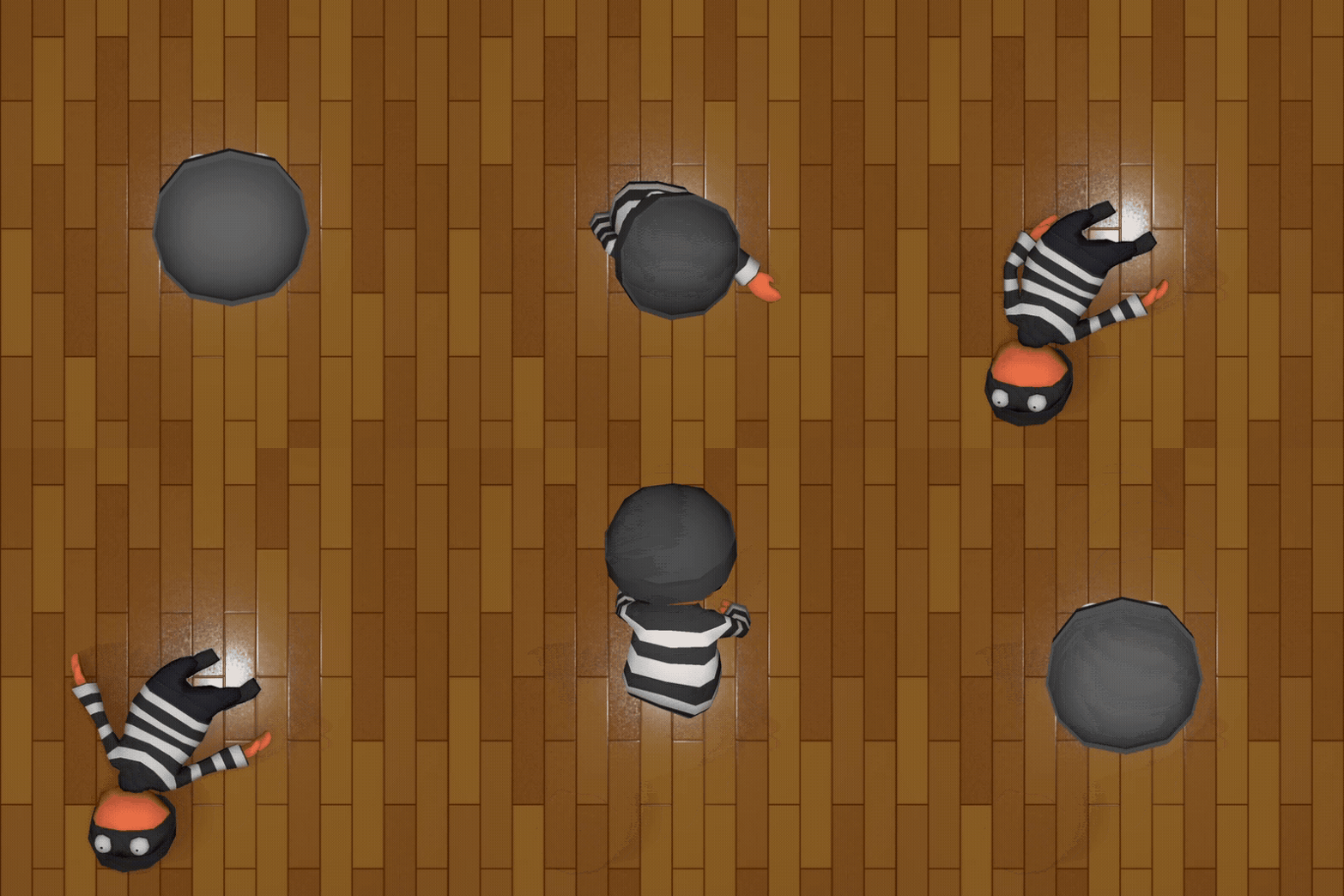
I wanted something that felt like like our character was actually regaining their footing after taking a fall.
Orientation and Grounding
I implemented a system to determine the characters physical state on the ground. The script checks the hips’ orientation to determine if Jack is laying on his stomach or back. Based on that, we can determine which getup animation to play.
Additionally, the script rotates the animator before triggering the animation to match the orientation of the ragdoll.
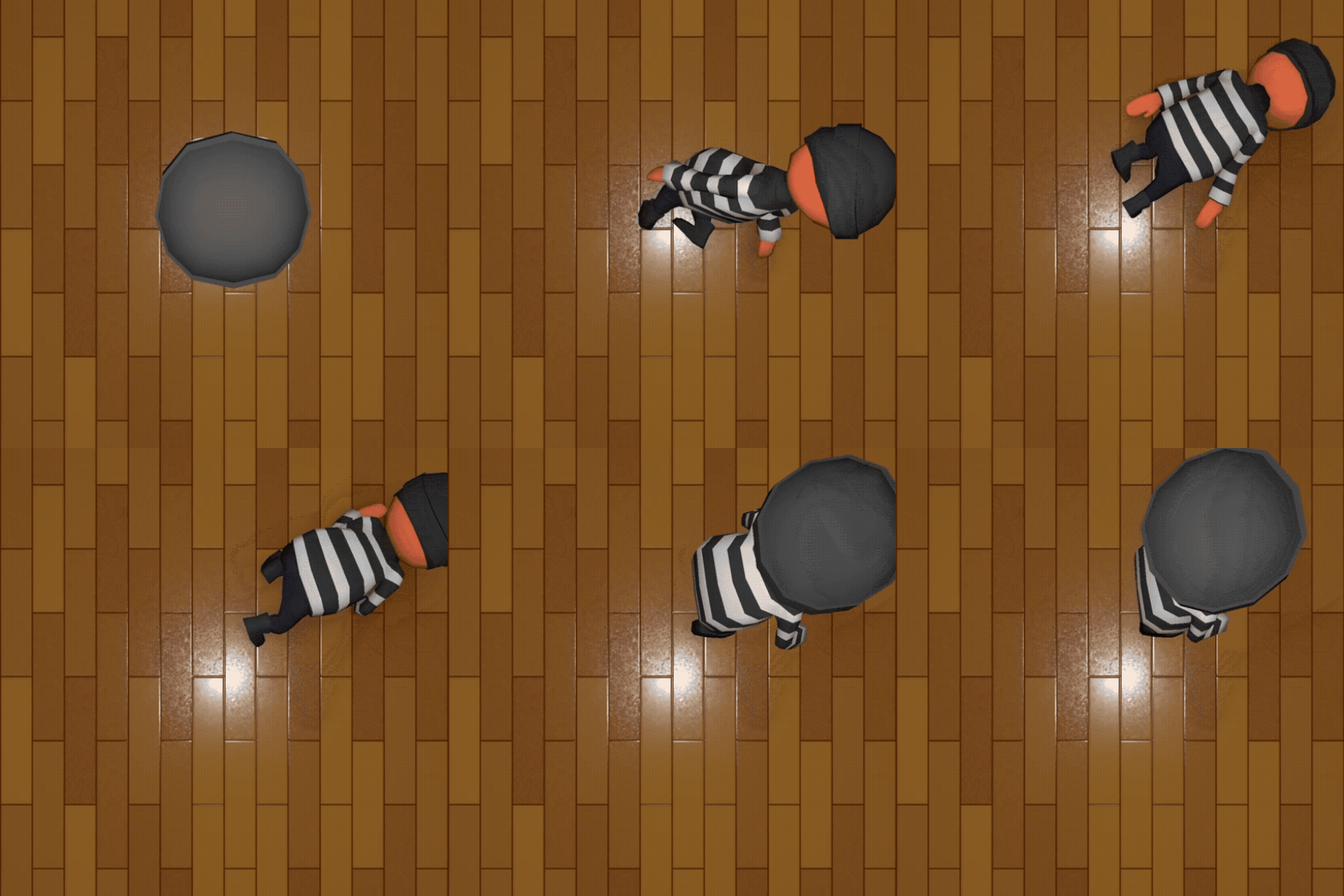
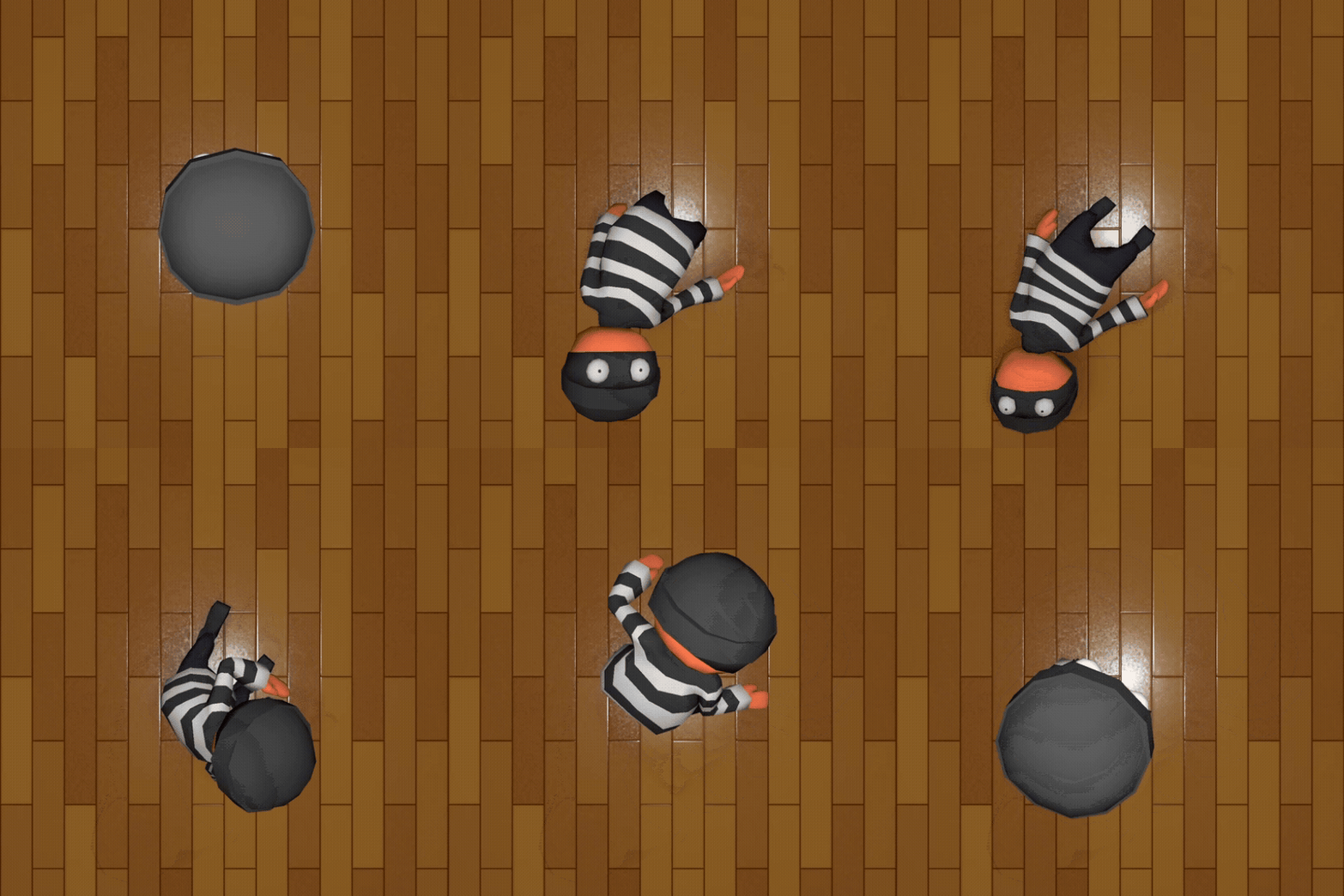
We’ve solved which animation to use, and what orientation to set the player at. But we’re still snapping to that first frame.
Bone-Space Interpolation
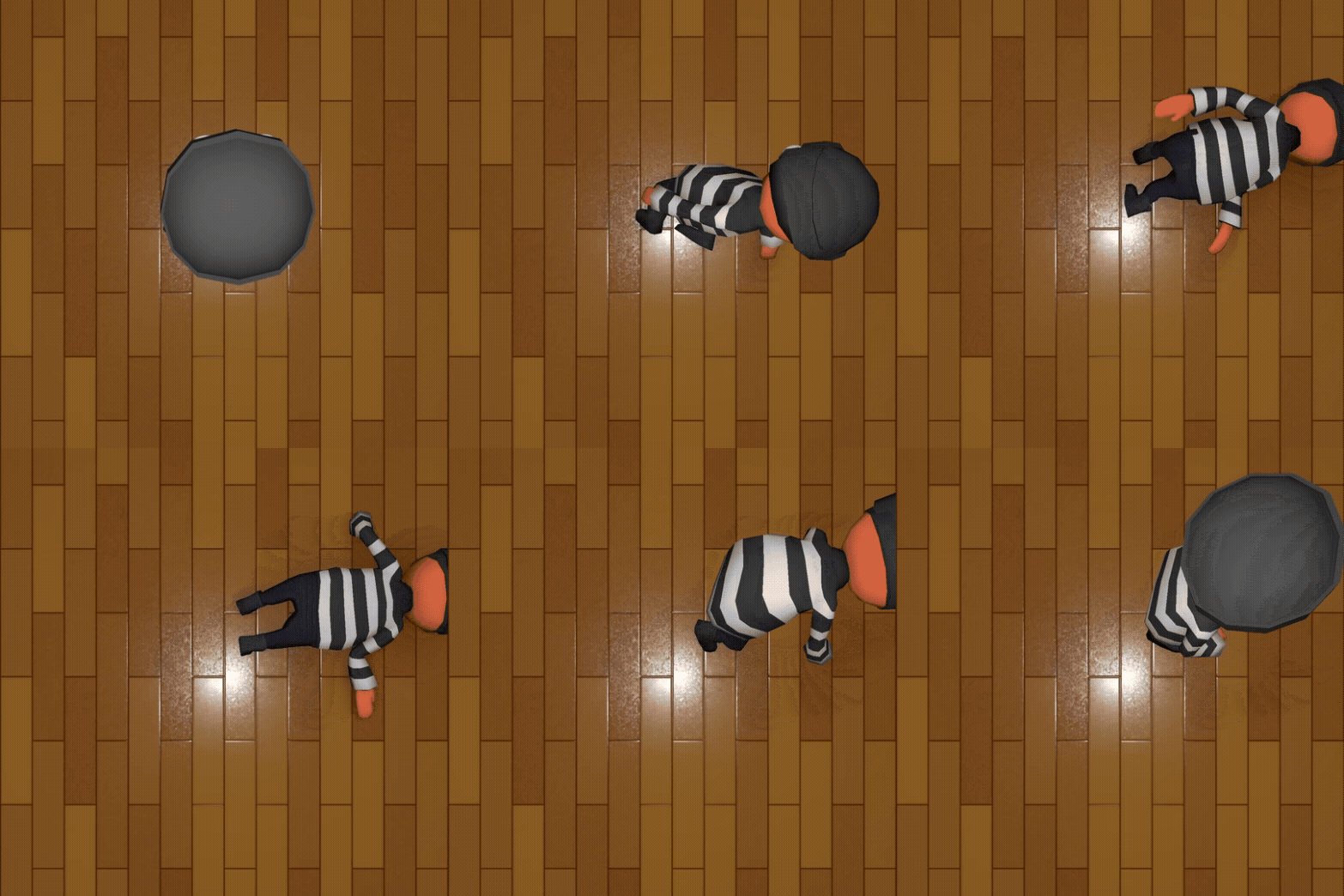
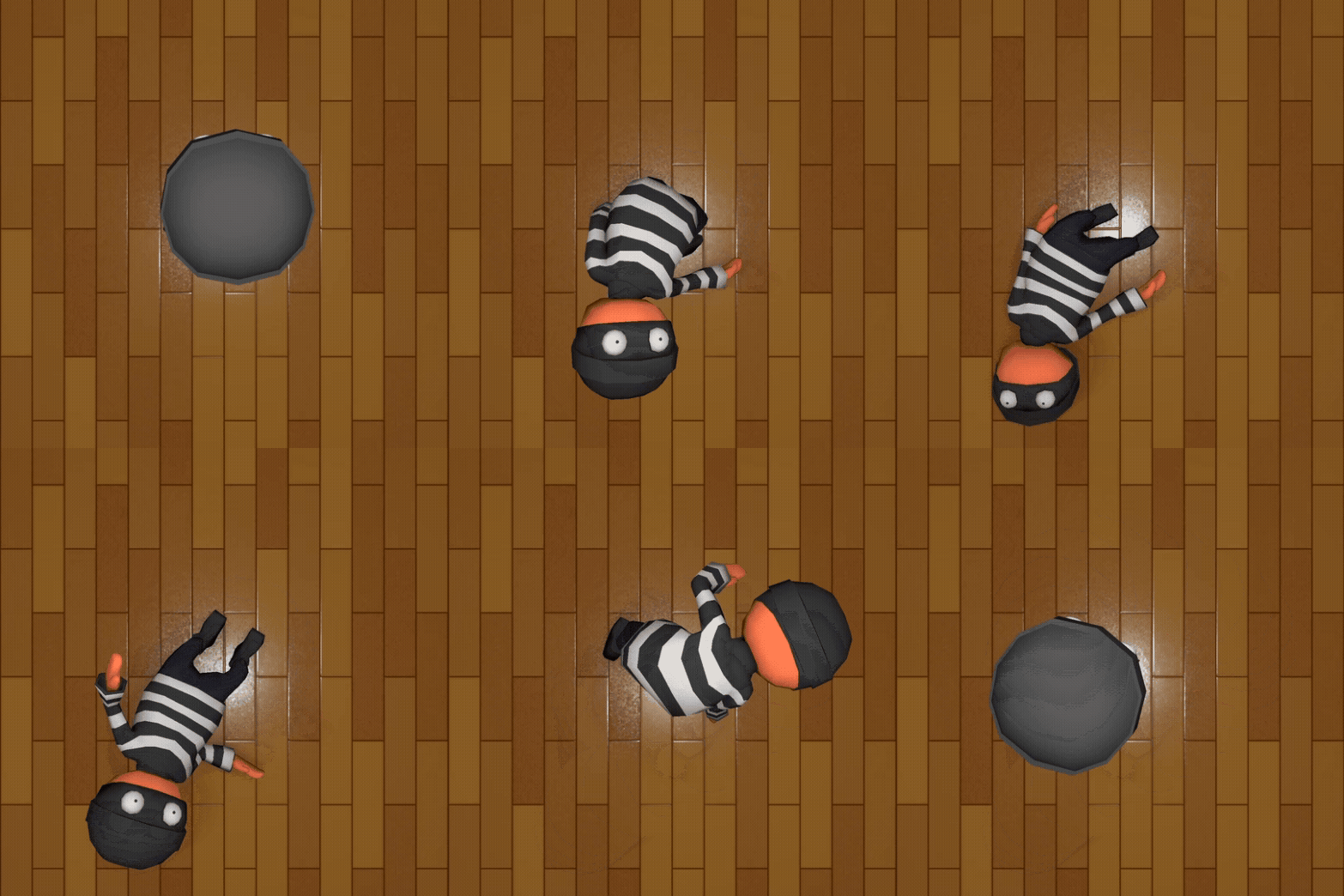
This is the secret sauce, the Resetting Bone state. My script need to interpolate the position and rotation of every single bone to the first frame of my animations. To save on performance, it pre samples these values once and stores them to be easily accessed when needed. When it’s time to get up, the script runs a manual loop that linearly interpolates every single bone from its chaotic ragdoll position to that saved Frame 1 pose. It happens in a fraction of a second, so you see the limbs physically pull themselves into a coherent starting pose.
Handoff to the Animator
Once the bones are aligned with the target pose, the script performs the switch. The rigidbodies responsible for the ragdoll physics are set back to kinematic, the Animator is re-enabled, and the stand-up animation is triggered. Because bones have already been moved and rotated to that frame 1 position, the handoff is invisible. The result is a smooth recovery that maintains the physical presence of the character throughout the whole loop